MENU of the iTripcomputer H-101 metrometer
Metrometer H-101 | Specifications
Service – basics | Service during a rally
Connection | Configuration | Calibration | Operating modes | Azimuth mode operation.
Specifications | FAQ | Videos
Main rules for navigating the MENU
- menu selection, parameter change –

- enter parameter, save –
- parameter output, rejection –
- Entering the menu, exiting the menu – long (6 seconds)





Calling up the configuration menu
- To call up the configuration menu Turn on the metrometer (see Turn on/off the H-101 metrometer). Skip this item if the metrometer is turned on.
- Then bring the metrometer to the position: H-101 Start Screen (see Start Screen on page H-101). Skip this point if you are already at the start screen position.
- Press for 6 seconds, until the displays show ConF.
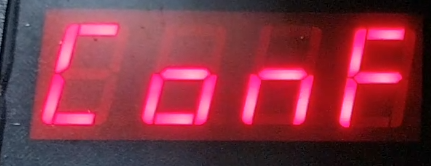
H-101 metrometer configuration menu – list of parameters

ConF – view after entering the configuration menu
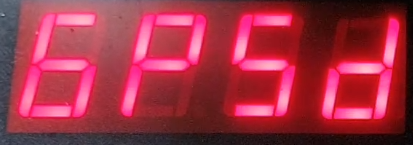
GPSd – enable, disable calculation of distance from GPS. If you want the metrometer to calculate the distance solely on the basis of GPS – DEFINITELY DISABLE CALCULATION FROM SPEED SENSORS.
Example. Changing the road counting settings on GPS
- bring to start
- enter the menu – long (6 seconds)
- find GPS d –
- enter the parameter –
- change the setting –
- approve –
- exit parameter –
- exit the configuration menu – long (6 seconds)


